Better Understanding of Complex Prompts
Describe your image in detail, from the main subject and background to colors, clothing, text, and other visual elements. GPT Image 2 can keep those details consistent with your prompt.
OpenAI
GPT Image 2 is an image generation model that supports text-to-image and image-to-image generation, with up to 4K output, 15 aspect ratios, and reference images provided by URL or base64 data URI.
gpt-image-2Pricing is based on the number of generated images and resolution. Actual charges are based on the final output.
| Resolution | Unit price |
|---|---|
| 1K | $0.0085 / image |
| 2K | $0.017 / image |
| 4K | $0.0255 / image |
Cost: number of generated images × unit price
Generated image count: 1-4 images
GPT Image 2 API
Generate new images or transform existing ones with GPT Image 2 through JustAPI. Use simple text instructions, add reference images when needed, and create polished 4K visuals for any creative project.
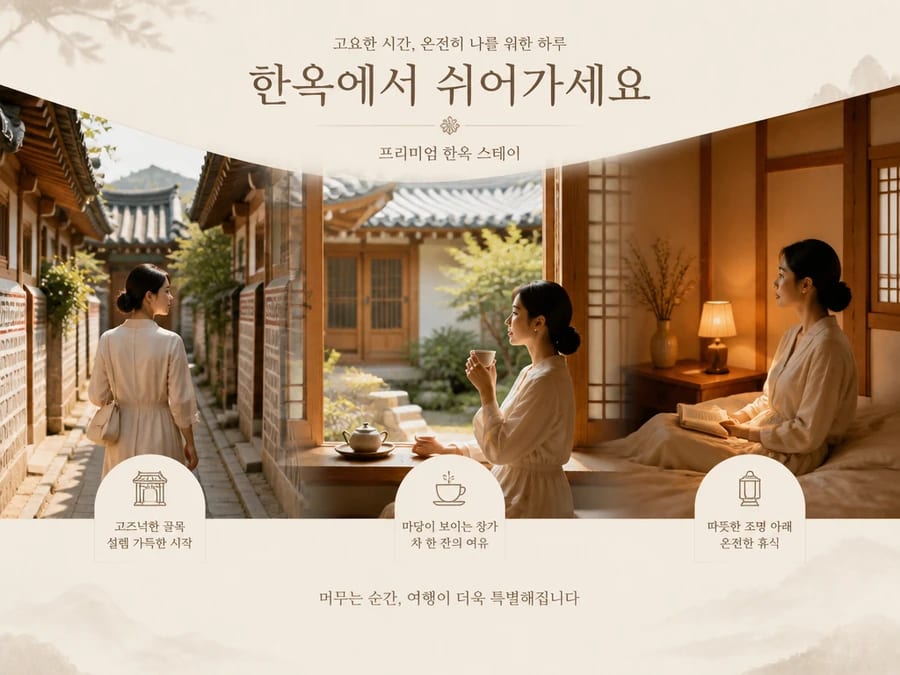
GPT Image 2 API is an application programming interface that provides access to the GPT Image 2 model for image generation and editing. It lets you send text prompts and image inputs to the model, define how you want the output to look, and receive the generated image through an API request. GPT Image 2 is the underlying image model, while the API is the interface used to access its capabilities. Through JustAPI, you can call the model directly for your own projects and workflows.
Describe your image in detail, from the main subject and background to colors, clothing, text, and other visual elements. GPT Image 2 can keep those details consistent with your prompt.
Add up to 16 reference images to guide the result. Mix a subject from one reference with the style, background, colors, or other elements from different images for more controlled results.
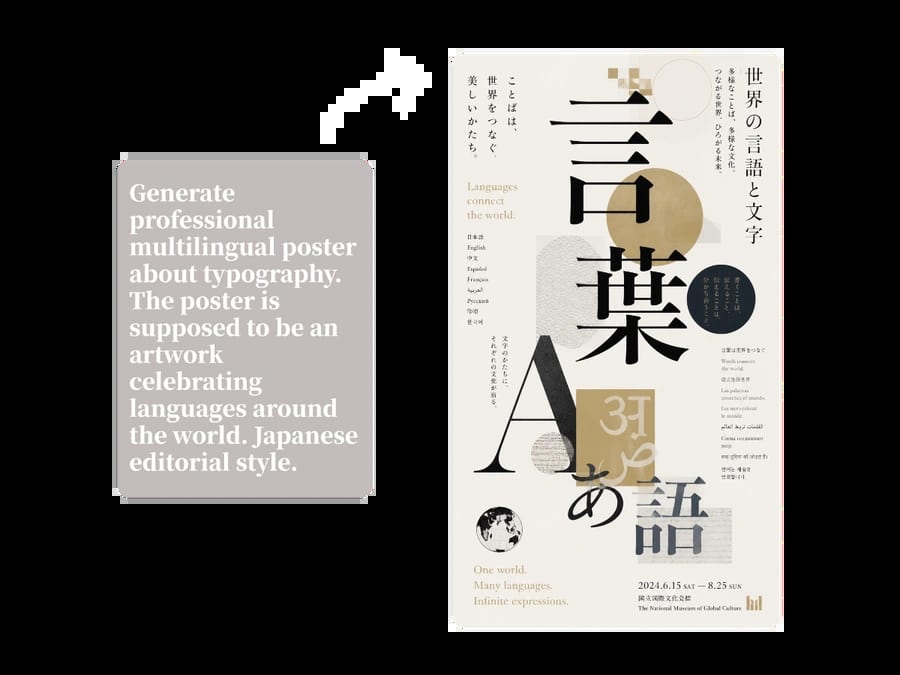
GPT Image 2 handles spelling and text placement reliably. It generates clear text inside images across different languages, including English, Chinese, Japanese, Korean, German, and more.
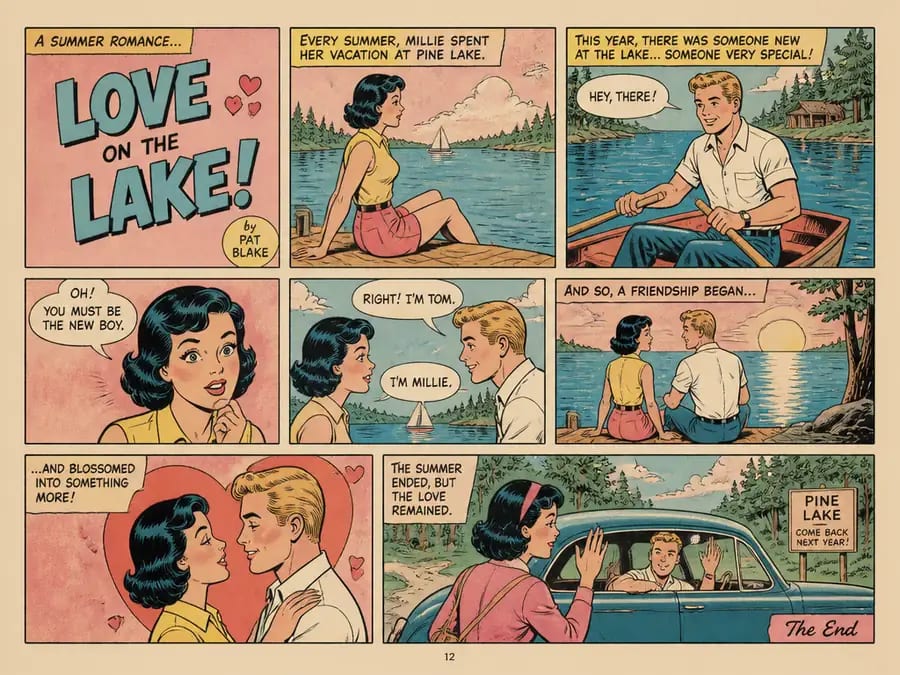
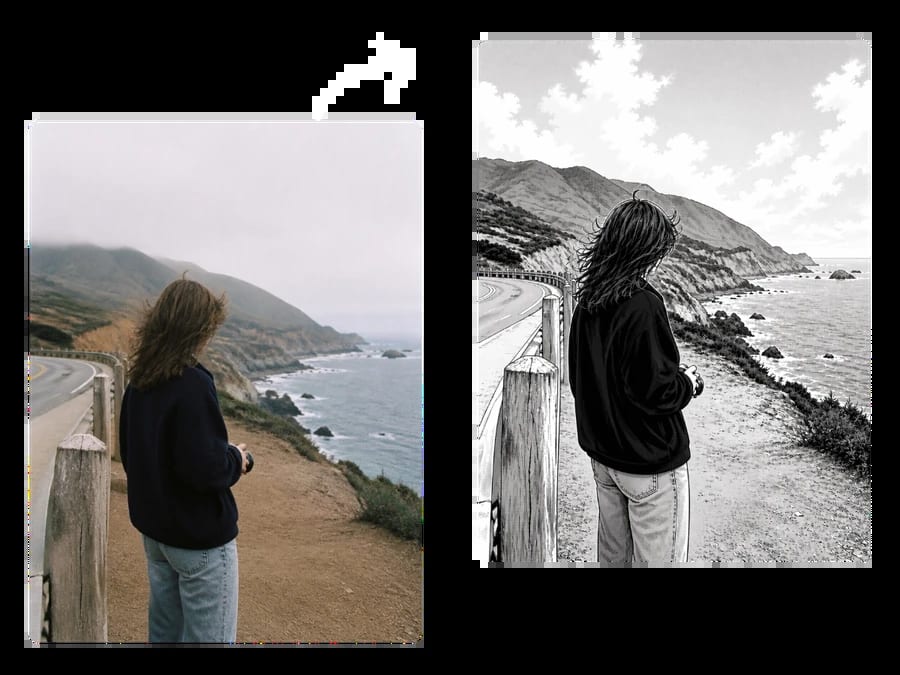
Generate images that match the style you ask for, from realistic photography and cinematic stills to pixel art and manga. Texture, lighting, colors, and fine details remain consistent throughout the image.
Create a JustAPI account and log in to get started with GPT Image 2.
Generate an API key from your dashboard. This key is used to authenticate your requests.
Enter your prompt and add reference images if needed. Send the request to generate or edit your image.
Get GPT Image 2 at prices below the official API rates. Pricing is transparent from the start, and you pay only for the requests you make.
Connect GPT Image 2 to an existing OpenAI-compatible setup with minimal changes. Update the base URL, API key, and model name to get started.
Use one JustAPI integration to access GPT Image 2 and other available AI models. Expand to new models without setting up a new API connection each time.
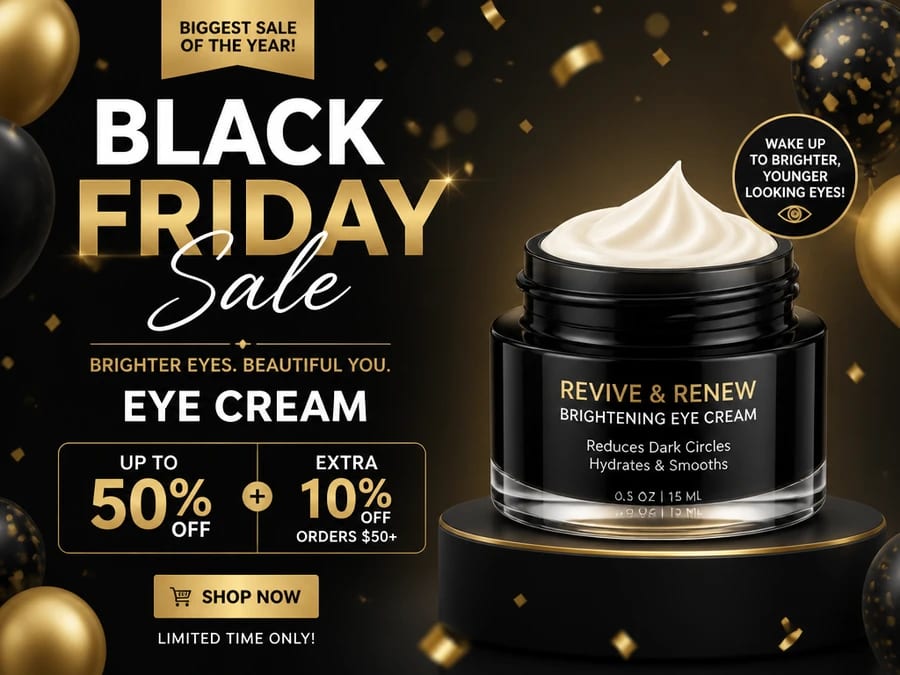
Turn one product photo into multiple marketing visuals without arranging another photoshoot. Quickly create new images for product pages, seasonal promotions, ad campaigns, and A/B tests while reducing production time and cost.
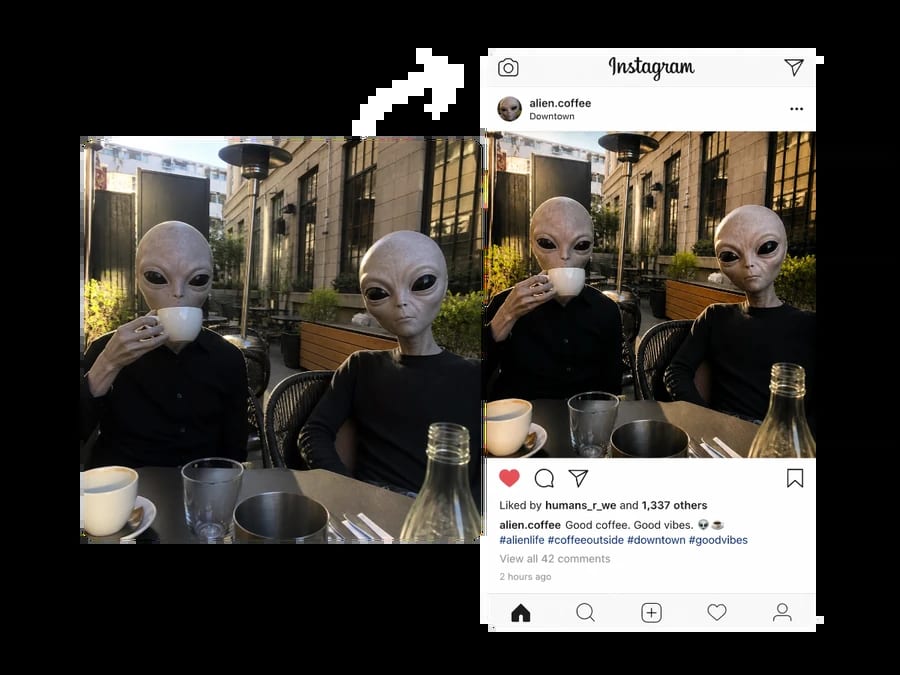
Bring a new idea to life quickly and adapt it for Instagram, TikTok, YouTube, Pinterest, and other social platforms. Create several platform-ready versions from the same concept, making it easier to catch trends and publish faster.
Create ready-to-use visuals with clear text, instead of adding every word manually afterward. Spend less time correcting spelling or adjusting text by hand, and quickly create additional versions for different languages.
Edit an existing photo by simply describing what you want to change. Replace the background, change an outfit, remove unwanted objects, or try a different visual style without spending time on complex manual editing.
GPT Image 2 API FAQ
Do I need an OpenAI account or API key to use GPT Image 2 on JustAPI?
No separate OpenAI API key is required. Create a JustAPI account, generate your JustAPI API key, and use it to access GPT Image 2 through the platform.Are there any monthly subscriptions or minimum spending requirements?
No. JustAPI does not require a monthly subscription or minimum monthly spend. You pay based on your actual usage, while any minimum top-up amount is shown before payment.Are JustAPI platform fees included in the GPT Image 2 price?
Yes. JustAPI states that prices shown in its public model catalogue include platform fees unless a model is specifically marked otherwise. This means you can see the actual listed rate before making requests.Are my prompts and reference images stored?
Data handling depends on the route used for the request. JustAPI shows retention and processing policies at the route level, and routes with zero-retention options are clearly marked. Check the selected route policy before sending sensitive images or prompts.Can I use images generated with GPT Image 2 commercially?
OpenAI's business terms state that, as between the customer and OpenAI and to the extent permitted by law, the customer owns the generated output. Commercial use must still follow applicable laws, OpenAI policies, and any relevant JustAPI or route terms, especially when your inputs include third-party copyrighted or trademarked material.
Bring your ideas to life with GPT Image 2 on JustAPI. Get started and create your first image today.